System-level diagnosis
We check the full signal path instead of assuming the visible camera is the cause of the failure.
Security camera repair · Los Angeles
When cameras go offline, recordings disappear or remote viewing stops working, NEM Technology traces the problem across the camera, cabling, power, network and recorder—then recommends a repair or upgrade based on what is actually failing.
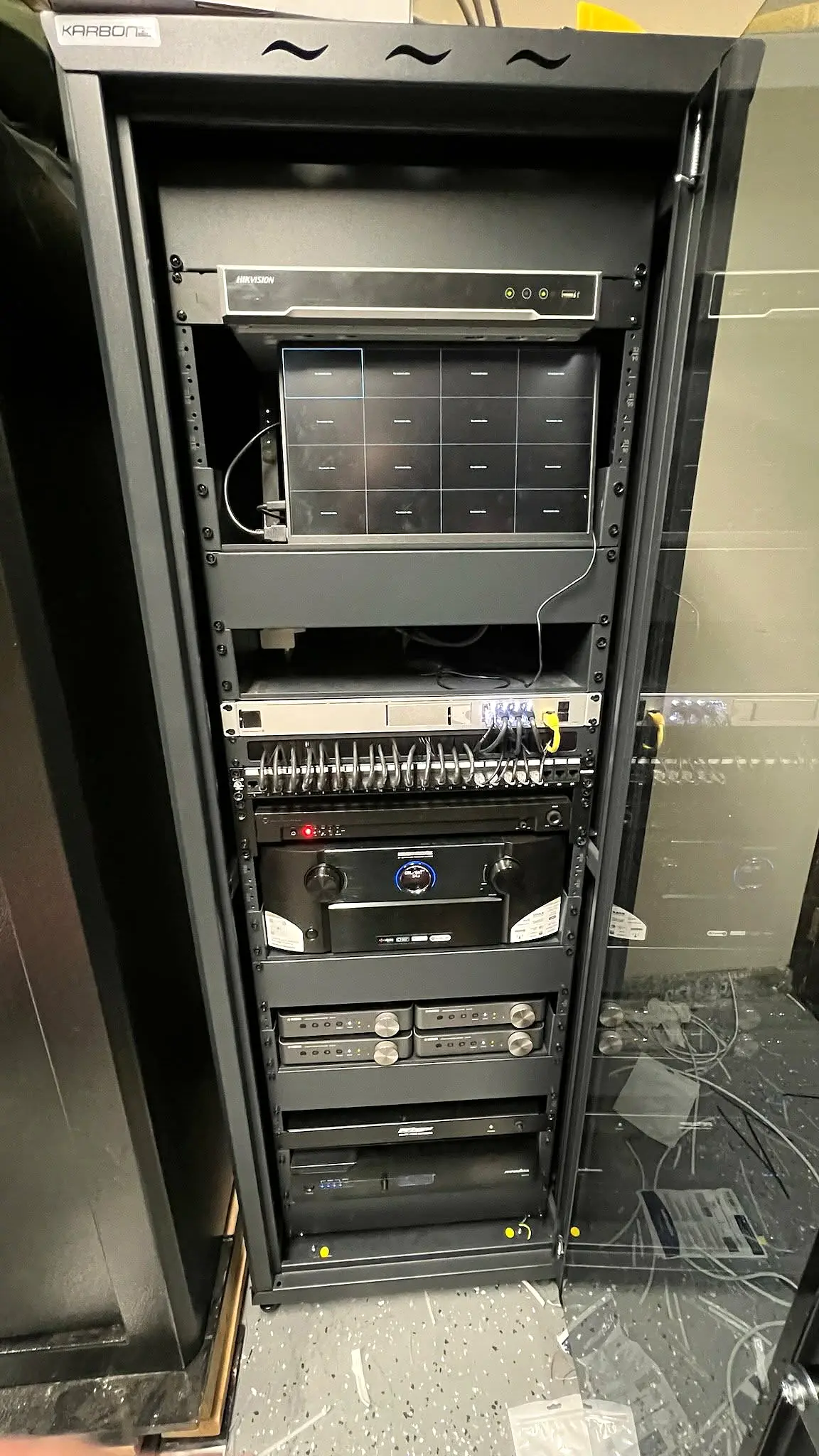
Built around your property
We check the full signal path instead of assuming the visible camera is the cause of the failure.
Compatible working equipment can often remain. We explain where repair makes sense and where replacement avoids repeated service.
After service, affected views, recording and remote access are tested so you know what was corrected.
Scope of service
Every project is tailored after a walkthrough. We recommend only the equipment and work your property actually needs.
Troubleshooting process
A black screen can be caused by the camera, cable, connector, power supply, PoE port, network configuration or recorder channel. Recording gaps may instead point to storage, scheduling or system-time issues. Testing each layer prevents unnecessary parts replacement.
We begin with the symptoms and system history, inspect the equipment and isolate the failure where access allows. Once the cause is understood, we can provide a focused repair scope and identify any reliability risks visible elsewhere in the system.
Upgrade decisions
An older system does not always need to be discarded. Existing cable may be reusable when its type, condition and route support the selected equipment. A compatible recorder or camera may also be retained while the failed component is replaced.
If image quality, storage or remote access is limited across the entire system, we can compare repair with an analog-to-IP or full recorder upgrade. The recommendation is based on compatibility, expected reliability and total project value.
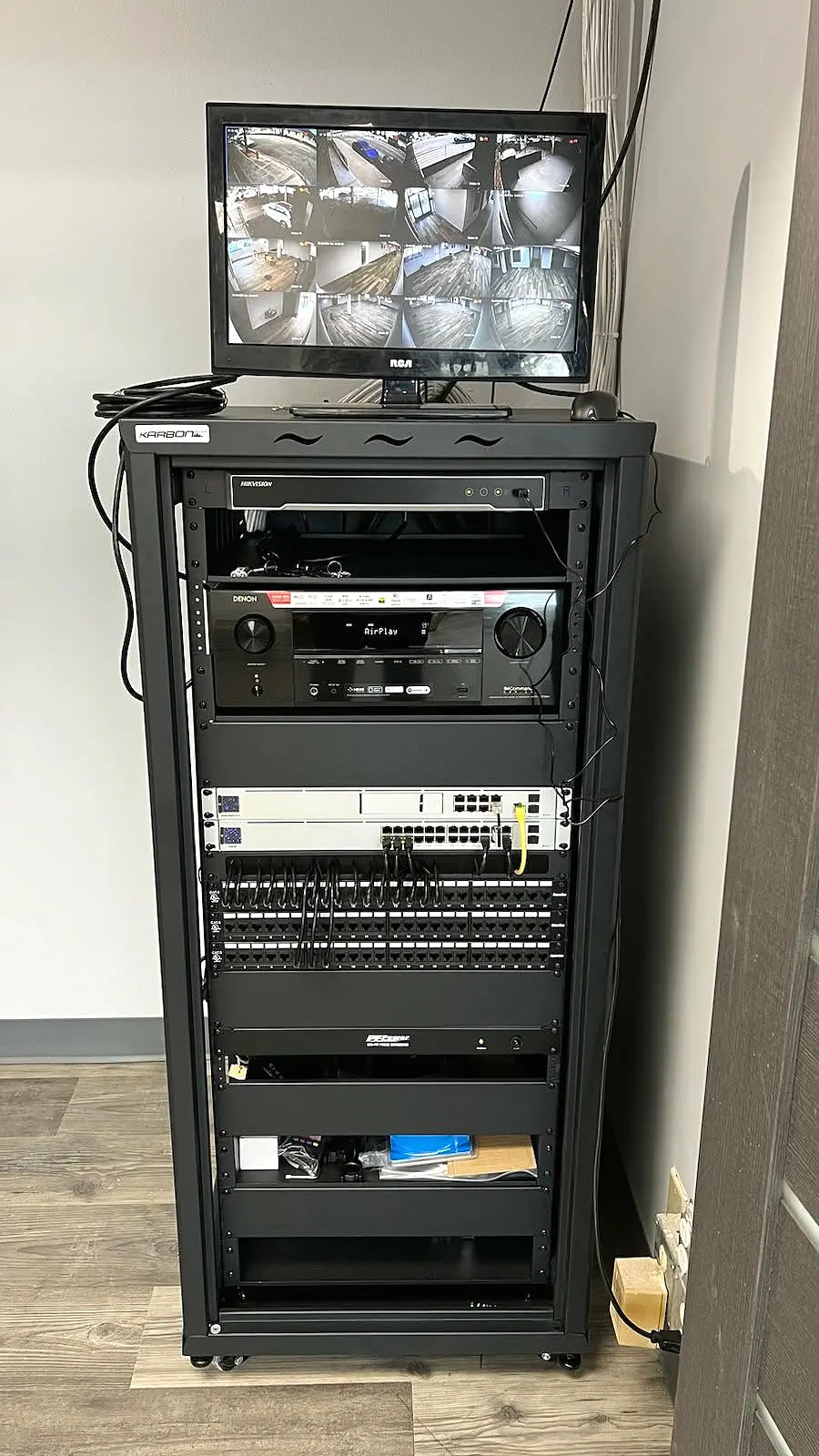
Real installation standard
Our Los Angeles rack projects show the labeling, cable management and accessible equipment layout that make future service faster and reduce uncertainty when a system needs expansion or troubleshooting.
View project detailsCommon questions
Common causes include failed power, a damaged connector, cable trouble, a bad PoE port, network changes or camera failure. Testing is needed to identify the actual cause.
In many cases, yes. Service depends on equipment access, compatibility, credentials and the physical condition of the installation.
Recovery is not always possible. We can assess the recorder and storage symptoms, but damaged or overwritten footage may require a specialized data-recovery provider.
That depends on the existing cameras and cable, the quality you need and the cost of the failing components. We compare practical repair and upgrade paths after inspection.
Yes. We troubleshoot supported apps, recorder network settings and user access, provided the necessary system credentials are available.
Ready to plan your project?