Professional low-voltage installation · Los Angeles, California

NEM field notes

Practical guidance before you install.

Clear explanations about security, networks, smart-home systems and home theater—written around real installation decisions.

01 / Security planning

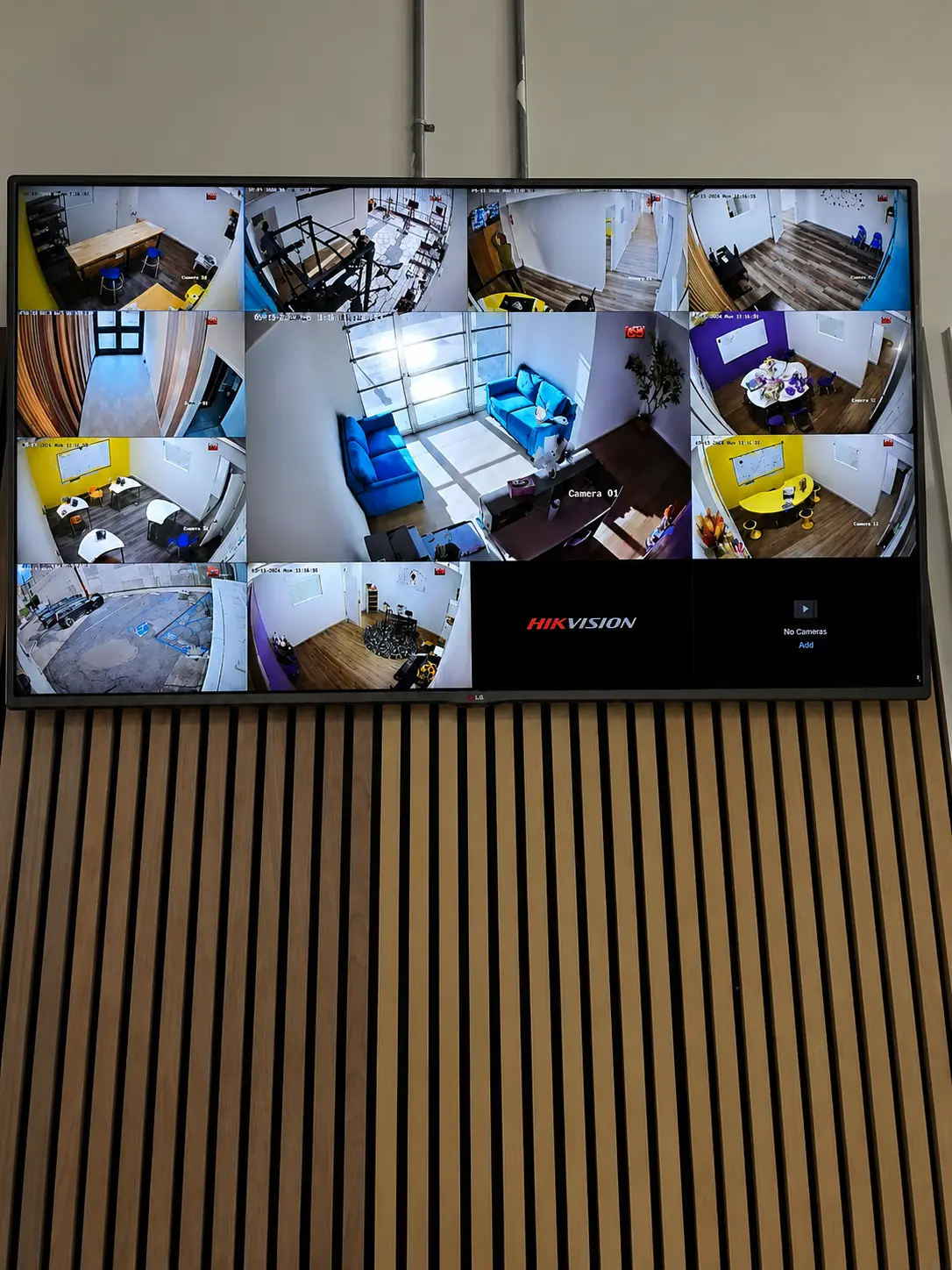
How many security cameras does a property need?

The right number depends on what must be identified, not only on square footage. Start with entrances, gates, driveways, parking areas, side passages and interior points where clear identification matters.

Camera resolution and lens angle must match each view. A wide camera can show activity across a large area, while a tighter view may be needed to identify a face or license plate.

  • List the events you need to see and identify.
  • Check night lighting and possible glare.
  • Plan recording storage around resolution and retention time.
  • Confirm cable routes before selecting final camera positions.
Explore security camera installation ↗
02 / Network planning

Why structured cabling still matters in a Wi-Fi home

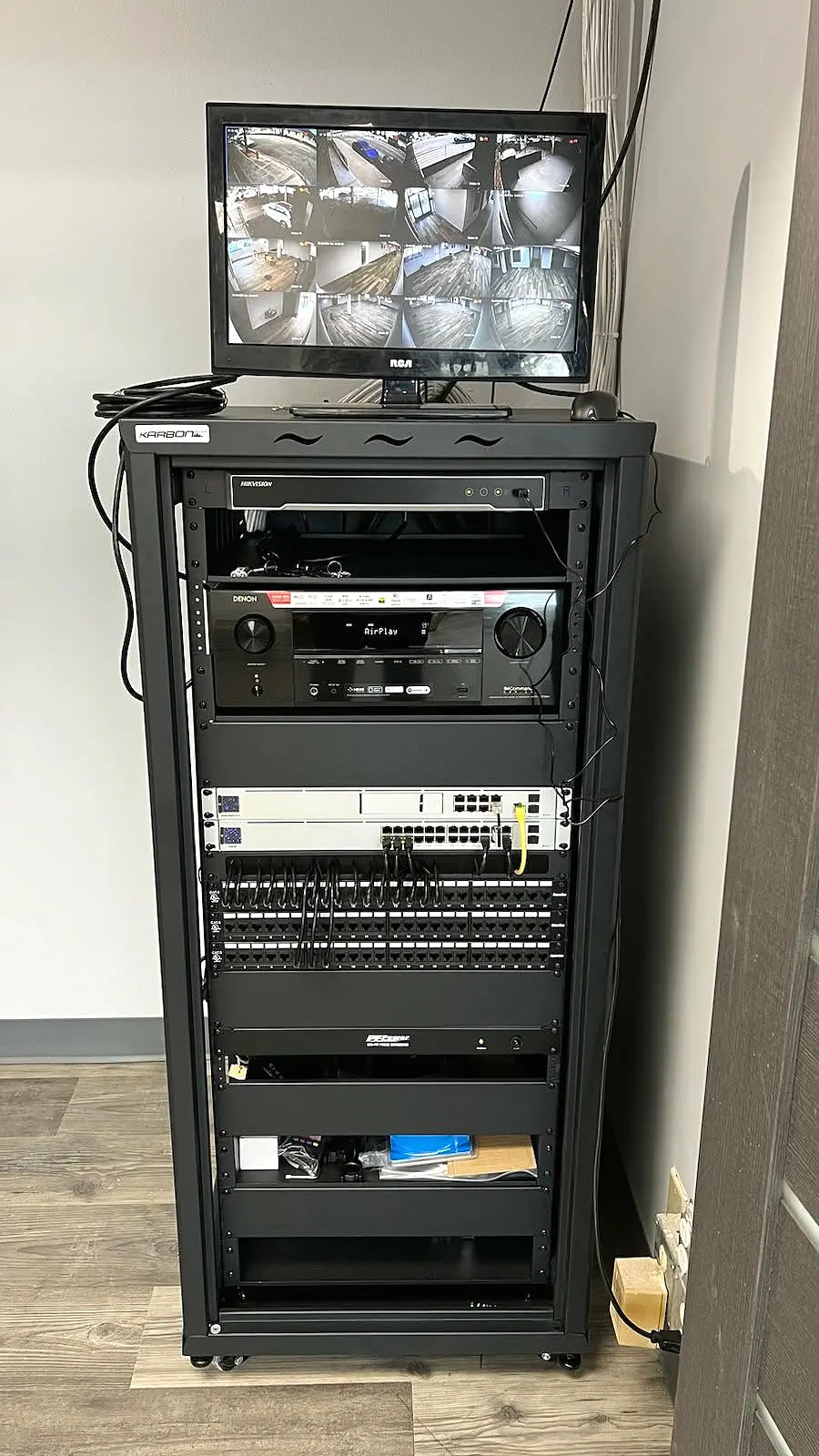
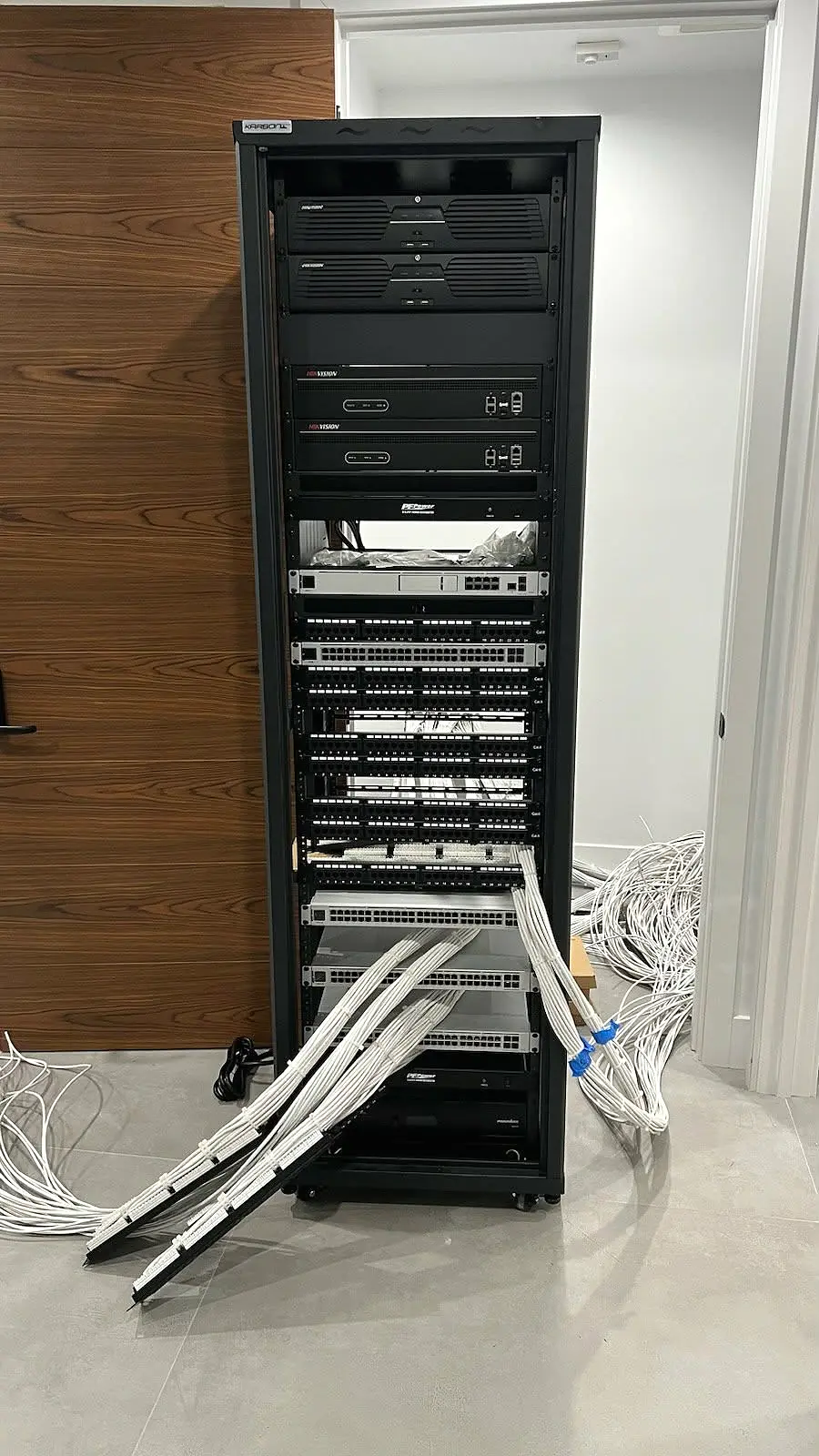
Wi-Fi is only as dependable as the infrastructure behind it. Wired connections give access points, cameras, TVs and equipment racks stable bandwidth while reducing unnecessary wireless congestion.

A good plan considers access-point placement, PoE power, cable length, switch capacity and future service access. The result is stronger coverage and fewer visible devices.

  • Use dedicated CAT6 runs for access points and PoE cameras.
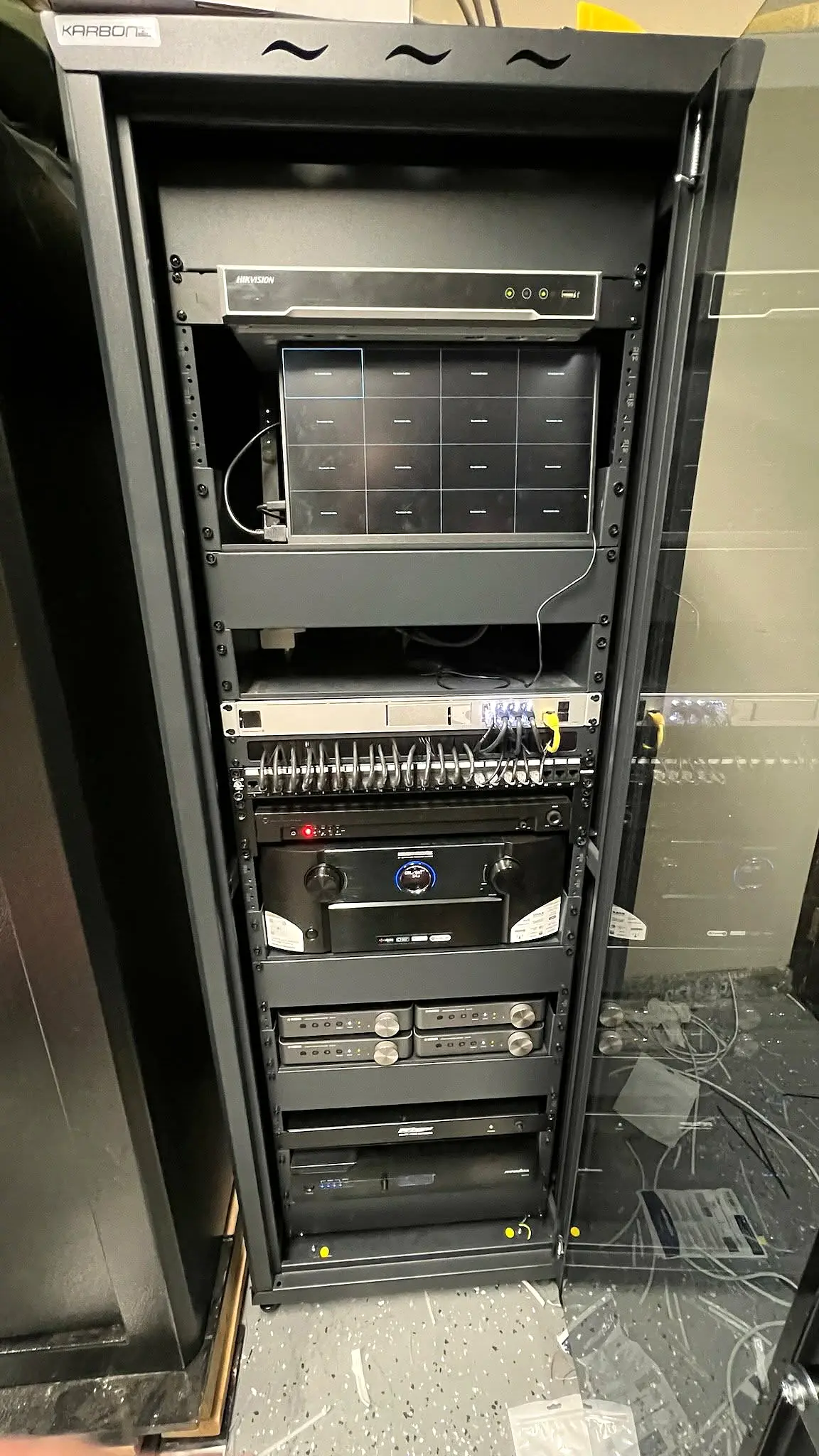
  • Keep network equipment organized, ventilated and labeled.
  • Measure signal coverage instead of guessing placement.
  • Leave practical capacity for future devices.
Explore network and cabling services ↗
03 / Home theater

Plan the room before choosing the equipment

A premium theater begins with the room. Viewing distance affects screen size, seating affects speaker angles, and the construction determines how neatly wiring and equipment can be installed.

Planning these details first prevents oversized displays, poorly positioned speakers and expensive cable changes later. It also creates a system that is simpler to operate every day.

  • Confirm seating and screen positions first.
  • Plan speaker, subwoofer and acoustic locations together.
  • Provide ventilation and service access for equipment.
  • Choose one clear control experience for the family.
Explore home theater installation ↗

Ready to plan your project?

Tell us what you need protected or connected.

CallTextEstimate